Key facts at a glance
Compare USB C PD laptop charger on Amazon ↗Affiliate link · As an Amazon Associate I earn from qualifying purchases. Search results can include other models. Check the model, condition, seller, current price, compatibility and delivery to your country.
| Laptop power need | Check the laptop maker’s USB-C charging support and power requirement. Some laptops need their supplied adapter for full gaming performance. |
|---|---|
| Port sharing | Read the output with your phone and laptop connected at the same time. A charger’s combined wattage may not be available from one port. |
| Cable | Match the cable’s power rating to the charger and laptop. Check data and video specifications separately if the same cable must transfer files or connect a screen. |
| Match the charging standard | Check the device’s required USB Power Delivery, PPS, AVS or maker-specific mode. The biggest watt number alone does not promise its fastest charge. |
| Multi-port output | Check the power split with the ports you will use together. A charger’s total rating may not be available from one socket. |
Can the same USB-C charger power your phone and laptop?
| The short answer | Match each device's charging requirements and the cable, then check the adapter's output when more than one port is used. A large total wattage on the box is not a promise that every port supplies that figure at the same time. |
|---|
Compare USB C certified charging cable on Amazon ↗Affiliate link · As an Amazon Associate I earn from qualifying purchases. Search results can include other models. Check the model, condition, seller, current price, compatibility and delivery to your country.
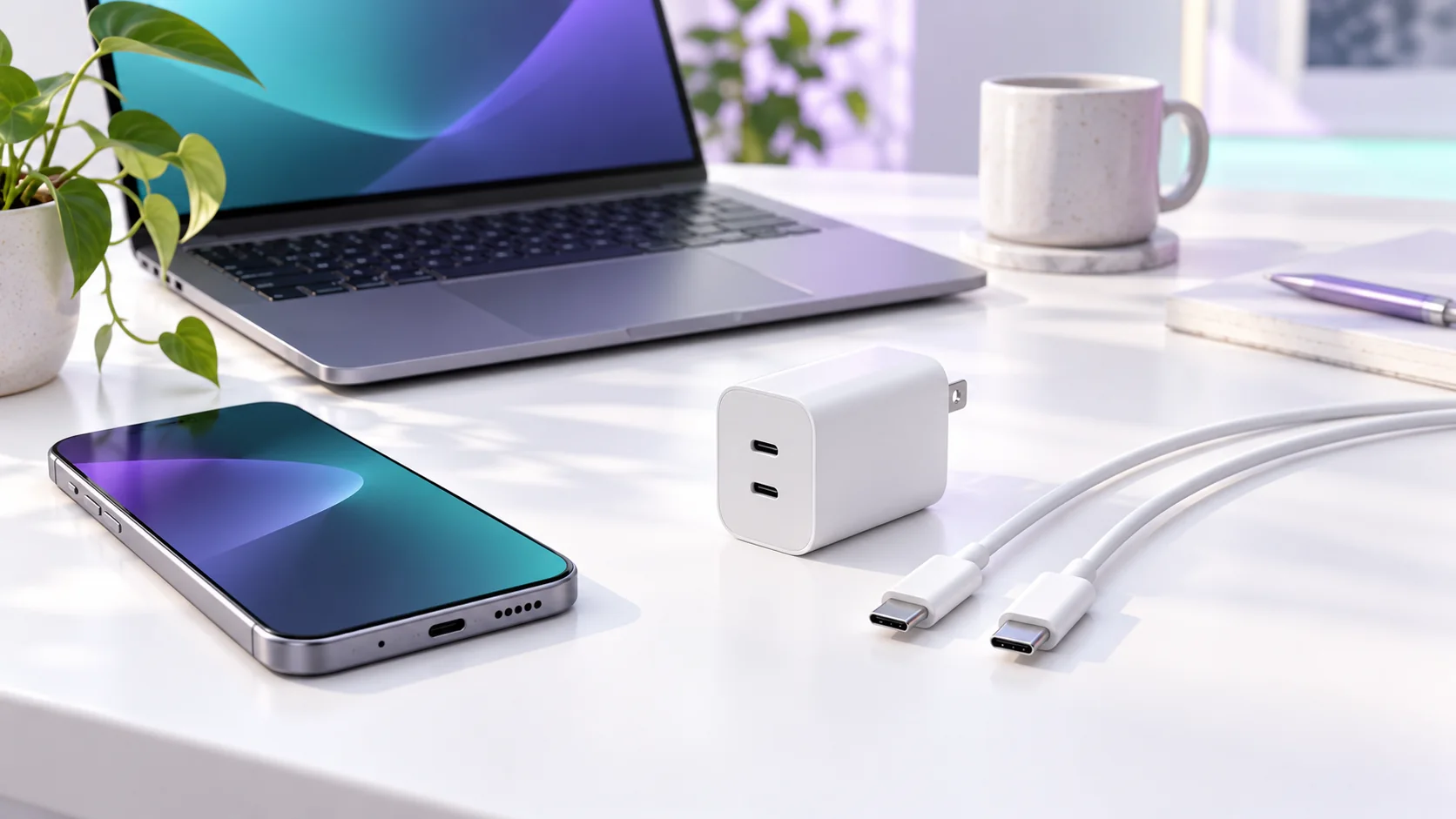
USB-C Charger for Phone & Laptop: quick buying checks
| What to know | Quick answer: A USB-C plug does not tell you whether one charger can fast-charge your phone and run your laptop. Match the device’s required power and protocol, the adapter’s actual USB-C output, and the cable’s rated power. If a laptop also needs video or fast data through a dock, check those capabilities separately. Buy to solve a real charging problem, not because a larger wattage appears on a product card. |
|---|---|
| In practice | The appeal of one charger is clear: fewer bricks in a bag and one socket at a crowded desk. The disappointment comes when a cable fits but the laptop warns that charging is slow, or the phone charges at an ordinary rate despite a large number printed on the adapter. USB-C names a reversible connector shape. It does not guarantee identical power delivery, data speed or display support across every cable and device. A sensible purchase begins with the exact model numbers on the devices you own and the charger you already have. |
Start with the laptop, because it usually sets the harder requirement
| What to know | Look up the manufacturer’s charging specification for the precise laptop configuration. Some thin notebooks charge through USB-C at a moderate power level. Some gaming and workstation models need a larger proprietary adapter for full performance, even if a USB-C port accepts a lower-power travel charge. The fact that a machine has USB-C does not mean any USB-C brick can replace the included supply. A travel charger might keep it topped up during writing and still fail to sustain a demanding graphics workload. |
|---|---|
| In practice | Check whether the laptop supports charging through the particular port you intend to use. Multiple USB-C ports on one computer can have different roles. Read the manual’s power-input description, not just the port icon in a retailer image. Then inspect your current adapter’s label and the wattage printed for its USB-C output. The combined requirements give you a starting point. If a smaller charger has already served your real travel routine, the existence of a more powerful model is not evidence that you need it. |
What a charger’s big wattage number actually means
| What to know | A charger’s advertised maximum is its capacity under specified conditions, not the continuous amount every attached device will receive. A phone requests power according to its charging design and may reduce it as the battery fills or warms. A multi-port charger can divide its total output when two devices are connected. For example, a brick promoted with a large total wattage may not deliver that full number from one port while another port is occupied. Read its per-port and simultaneous-output table before comparing prices. |
|---|---|
| In practice | This matters when you want to charge a laptop and phone overnight from one unit. Test the combination you will actually use: laptop in the designated high-power port, phone in the second port, and both cables connected. If the laptop reports inadequate power, the split output may be too low even though the charger’s headline looks sufficient. If you regularly use the laptop for demanding work, keep the manufacturer’s original adapter available until you know the new setup works under that load. |
Choose the cable for power, then check data needs
| What to know | USB-IF has a certification and logo program that distinguishes cable power ratings. A reputable cable with a clearly stated suitable power rating is easier to evaluate than a listing that says only “fast charging.” Check the rating against the laptop’s requirement and the adapter. A cable rated for more power does not force a device to draw more, but an inadequate cable can prevent the intended high-power mode. USB-IF’s public compliance information discusses certified 240W cables and their marking; this is a useful signal when evaluating a high-power claim. |
|---|---|
| In practice | Power is only one job a cable can perform. If the same cable must move large files, drive a display or connect a dock, look up its supported data and video capabilities separately. A cable suitable for charging might support only basic data. A premium high-speed cable may be unnecessary if it stays between a wall charger and a phone. Put the intended use on a small checklist before buying: charging only, laptop docking, external monitor, or file transfer. That prevents paying for capabilities you will not use and avoids assuming they are present when they are needed. |
Compare multiport USB C charger on Amazon ↗Affiliate link · As an Amazon Associate I earn from qualifying purchases. Search results can include other models. Check the model, condition, seller, current price, compatibility and delivery to your country.
Phone fast charging is model-specific
| What to know | For a phone, check the maker’s stated charging standard and the exact model’s limit. A 100W brick does not make a phone accept 100W. Some phones use USB Power Delivery or PPS; others may require a brand-specific protocol for their advertised fastest rate. Even with the correct hardware, charging commonly slows at higher battery levels or elevated temperatures. A published peak result is not a promise that a complete charge will run at that peak. |
|---|---|
| In practice | Consider your schedule before chasing speed. If the phone has all night to charge and its present adapter is compatible, an expensive replacement may change nothing important. If you often have only 20 minutes between journeys, the right compatible setup can be useful. Test from a similar starting battery percentage and room temperature; otherwise two charging sessions are hard to compare. Our iPhone charging guide and Pixel charging guide explain each platform’s battery-health choices separately from adapter shopping. |
Travel, regional plugs and one-bag convenience
| What to know | International travel introduces an AC plug and voltage question on top of USB-C power. Check the adapter’s printed input range and the destination’s outlet type. A simple plug-shape adapter does not add USB-C output or change an unsuitable charger into one that meets your laptop’s needs. Bring the cable length that works at a hotel desk, not just the shortest cable that fit a product photo. If you depend on a computer for work, a spare compatible cable can be more valuable than a premium multi-port charger with no backup. |
|---|---|
| In practice | A compact charger may be a good purchase when it replaces two working bricks without slowing the device that matters. It may be a poor purchase when it introduces a fragile travel routine, occupies adjacent outlets, or cannot deliver its high-power mode with both devices connected. The total cost includes the correct cable and any travel plug, not merely the adapter’s price. Compare sellers with local warranty and return terms for your country, especially when a product ships from another market. |
A five-minute compatibility checklist
| What to know |
|
|---|
Questions readers ask
| Will a higher-wattage charger damage my phone? | A properly compatible USB-C setup negotiates power with the device, which controls what it accepts. The label’s maximum is not a command to push that power continuously. Use a reputable adapter and cable that meet the maker’s requirements; stop using damaged accessories. |
|---|---|
| Can one USB-C cable do every job? | Not by connector shape alone. Power rating, data speed and display support are separate capabilities. Match the cable to the jobs you actually require. |
| Why does my laptop charge slowly through a dock? | The dock may reserve some power for itself and attached devices, or its laptop output may be below the machine’s requirement. Check the dock’s documented laptop-power output and the cable before buying a different wall brick. |
Questions before you buy
| Question | Useful answer |
|---|---|
| Can one USB-C charger charge a phone and laptop? | It can when its supported output, charging protocol and cable match both devices. Start with the laptop requirement, then check the phone’s fast-charge mode. The biggest number on a multi-port adapter is not necessarily available from every socket. |
| Why does charging slow down when I plug in another device? | Many adapters redistribute output between occupied ports. Read the published power-sharing table for the combination you will use. Test that exact arrangement before a trip so the laptop does not slowly drain while you expect it to charge. |
| Does a 100W charger guarantee the fastest phone charging? | No. The phone may need a particular PD, PPS, AVS or maker-specific mode and suitable cable. Check its official charging requirement. A larger adapter can be useful for a laptop without making a smaller phone charge faster. |
| What should I check for travel? | Confirm plug compatibility, input support and the required output on the exact adapter. Keep enough charging headroom for the laptop under your workload. Reuse a known-compatible charger when it already solves the task instead of adding an unnecessary new one. |
Sources and editorial method
| What to know | Checked 14 October 2026: USB-IF’s certified USB-C cable power-rating announcement and USB-IF cable and connector compliance updates. This is a compatibility decision guide, not a certification of any particular product listing. Verify a specific phone, laptop, adapter and cable against the manufacturers’ current specifications before purchase. |
|---|
Compare USB C PD power bank on Amazon ↗Affiliate link · As an Amazon Associate I earn from qualifying purchases. Search results can include other models. Check the model, condition, seller, current price, compatibility and delivery to your country.