Key facts at a glance
Compare USB C PD iPhone charger on Amazon ↗Affiliate link · As an Amazon Associate I earn from qualifying purchases. Search results can include other models. Check the model, condition, seller, current price, compatibility and delivery to your country.
| 80% limit | On a supported iPhone, choose a limit that still gets you through the day. Charging only to 80% leaves less energy available between charges. |
|---|---|
| Full charge | Use a full charge when travel or a long day makes the extra range useful. Apple can also occasionally charge above a lower limit to maintain its estimate. |
| Battery health | Read the phone’s battery-health information and compare the cost of battery service. Brightness, weak signal and demanding apps also affect daily runtime. |
| Charge Limit models | On supported iPhone 15 and later models, Apple offers a charge limit from 80% to 100%. Settings can differ on other models. |
| Occasional full charge | An iPhone set below 100% can still charge fully occasionally to keep its battery estimate accurate. That does not by itself mean the limit has failed. |
| Health vs runtime | Battery capacity is one factor. Signal, screen brightness, camera use, apps and temperature also affect the hours you get. |
Should you use an iPhone charge limit?
| The short answer | Start with whether your phone lasts through your normal day. A lower charge limit can change the energy available between charges. Check the settings supported by your model and use battery-health information alongside real runtime rather than treating one percentage as a complete diagnosis. |
|---|
Compare USB C iPhone charging cable on Amazon ↗Affiliate link · As an Amazon Associate I earn from qualifying purchases. Search results can include other models. Check the model, condition, seller, current price, compatibility and delivery to your country.
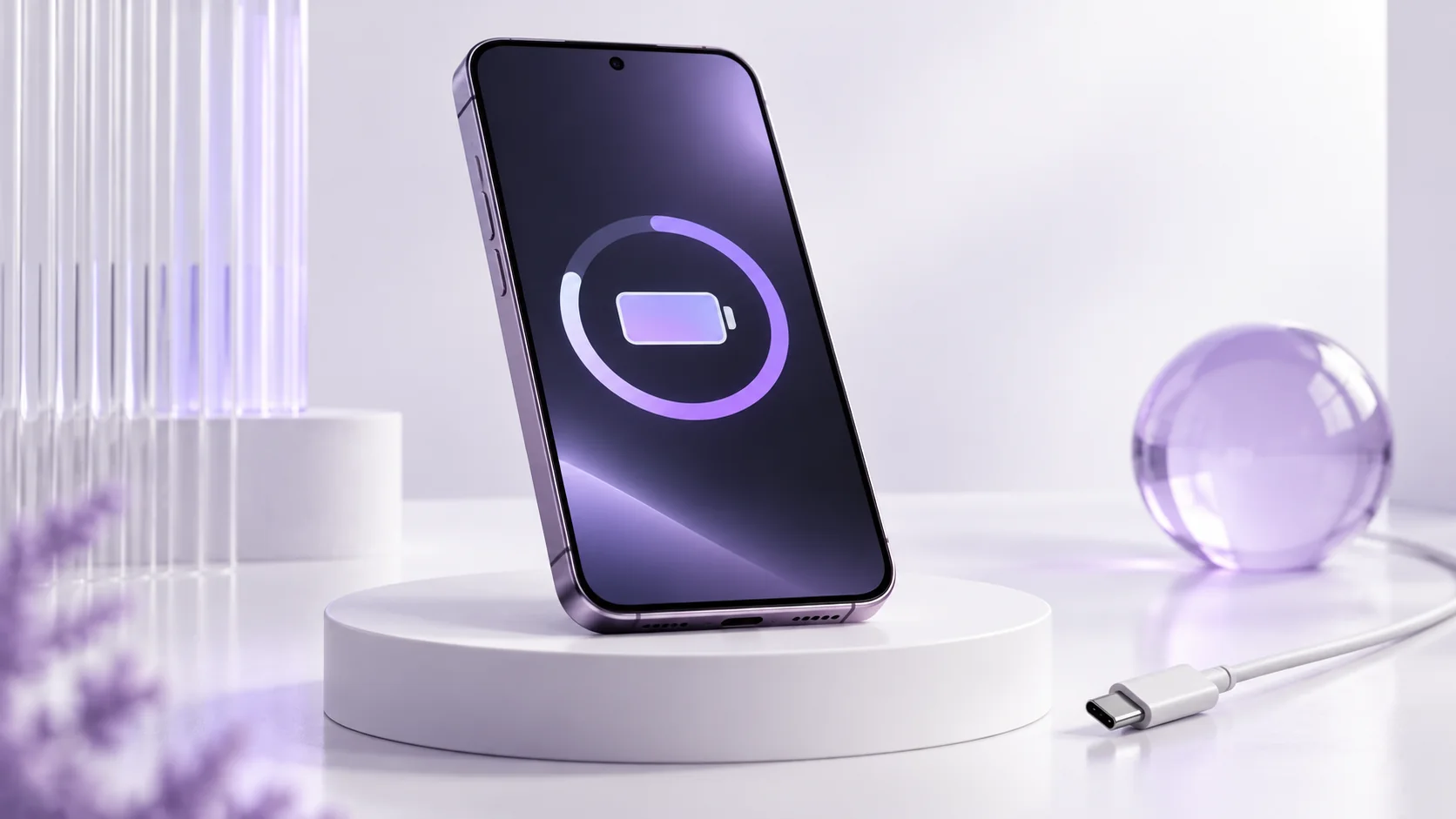
iPhone Battery Health: quick buying checks
| What to know | Quick answer: If your iPhone comfortably reaches the end of your day, a lower charge limit can reduce time spent at full charge. If you regularly need every available hour, charge to 100% and use Optimized Battery Charging where supported. If runtime has become poor, inspect Battery Health and your actual usage before replacing the whole phone. A percentage alone is not a diagnosis. |
|---|---|
| In practice | A battery guide should begin with a day, not a laboratory number. A commuter who uses maps and mobile data for two hours has different needs from someone whose phone spends most of its life near a desk charger. Before changing settings, note when you unplug, the lowest battery percentage you reach, and which apps are active on a difficult day. This small record gives meaning to the options below. It also prevents a common mistake: sacrificing the charge you need today for a theoretical improvement years from now. |
What Battery Health can and cannot tell you
| What to know | Apple’s Battery Health screen reports maximum capacity relative to the battery when new, and iPhone 15 and later models with supported software can show cycle information. The reading is an estimate of capacity, not a direct measurement of how many hours your next day will last. Signal strength, screen brightness, navigation, video recording, background activity and temperature can change daily runtime even when the displayed capacity has not moved. If the number falls by a point, do not assume the phone suddenly became worse on that date; capacity estimates can move as the system learns more. |
|---|---|
| In practice | Open Settings, then Battery, to inspect usage and health on your own device. Menu names can vary by model and software version. Compare a normal week with the days that feel unusually short. A single heavy travel day is weak evidence that the battery needs service. A persistent change under similar use is more useful. Apple also says an aged battery can affect performance and directs owners who experience that problem to service options. That is a better starting point than an unverified third-party app promising a precise battery grade. |
Should you use an 80% charge limit?
| What to know | On iPhone 15 and later, Apple lets you choose a charge limit from 80% to 100% in steps. The setting can reduce battery wear when you charge often or leave the phone connected for long periods. It is not a rule that everyone must stop at 80%. A lower ceiling removes usable energy from today’s charge. If you finish the evening with 35% or 40% on your usual schedule, an 80% limit may fit comfortably. If you already reach 10% before dinner, the same limit may make daily use worse and push you into an inconvenient second charge. |
|---|---|
| In practice | A practical trial takes several ordinary days. Begin with the limit Apple recommends for your usage if one appears, then check the lowest percentage reached on workdays and weekends. Include a navigation or camera-heavy day. If the phone remains comfortable, keep the setting. If it leaves you anxious or stranded, raise or remove it. You can temporarily charge to full when a trip requires it. Apple notes that an iPhone may occasionally charge to 100% even when a lower limit is set, to keep its battery reading accurate; that behavior alone does not mean the setting failed. |
Optimized Battery Charging versus a fixed limit
| What to know | These options solve related but different problems. With a fixed limit, the phone normally stops at the chosen ceiling. With Optimized Battery Charging and a 100% limit, iPhone may delay charging beyond 80% when it predicts a long connection, then finish closer to the time you typically unplug. Apple says the feature learns routine on the device. If your schedule varies often, such as alternating early shifts and travel, that prediction may be less useful. Read the charging status on the phone rather than assuming it will always complete at a particular hour. |
|---|---|
| In practice | Choose the setting around access to power. Someone working from a desk can tolerate a modest limit more easily than a field worker away from outlets. A small power bank can solve occasional long days, but it adds an item to carry and is not automatically cheaper than using the battery you already own. There is no need to buy a new charger merely to turn on a software setting. |
Compare Qi2 MagSafe charger on Amazon ↗Affiliate link · As an Amazon Associate I earn from qualifying purchases. Search results can include other models. Check the model, condition, seller, current price, compatibility and delivery to your country.
Five checks before blaming battery wear
| What to know |
|
|---|
Battery service or a new iPhone?
| What to know | Replacing a battery and replacing a phone solve different problems. If your current iPhone still runs the apps you need, its camera meets your needs and its storage is adequate, a battery service quote deserves comparison with a new-device quote. Include the condition of the screen, charging port and enclosure: a phone with several repair needs can have a different total cost. Check the official service terms for your location, including any applicable coverage, and back up the phone before service. We do not quote a universal battery-replacement price because model, market and coverage matter. |
|---|---|
| In practice | A new phone becomes easier to justify when several limitations converge: short runtime, insufficient storage, missing accessibility or security support, and a repair quote that no longer fits the expected use. Even then, compare a currently available model with your exact storage requirement and local after-tax price. The newest badge is not proof that it will feel substantially better for messaging, calls and maps. Our iPhone 17 guide and iPhone 18 Pro guide cover model-specific trade-offs without treating battery capacity as the only decision. |
Buying a charger: compatibility before wattage
| What to know | A worn battery is not repaired by a higher-wattage brick. Before buying an adapter, check the charging requirements of the exact iPhone and cable. A USB-C connector describes the plug shape; charging protocols, cable rating and device limits still matter. An adapter’s maximum output is not a promise that the phone continuously draws that amount. If an existing compatible charger fills the phone during your normal routine, replacing it for a larger number on the box may deliver no practical benefit. |
|---|---|
| In practice | Wireless charging is convenient at a desk, but alignment, case thickness and temperature can affect the experience. If you regularly need a fast top-up before leaving, compare the wired and wireless requirements for your exact model. Carrying a reliable cable may be more useful than buying the most expensive stand. Our accessory guidance explains why fit and compatibility come before a generic shopping label. |
A decision you can make tonight
| What to know | Write down three numbers: your usual unplug time, the lowest percentage on a normal day and the lowest percentage on a demanding day. If both days leave a comfortable reserve, try a moderate charge limit and revisit after a week. If the demanding day is already tight, use the charge you need and inspect Optimized Battery Charging instead. If both days have deteriorated under similar use, look at Battery Health and request a local service quote. This is a more reliable decision than chasing an online claim that every iPhone should be charged in exactly the same way. |
|---|
Questions before you buy
| Question | Useful answer |
|---|---|
| Is charging an iPhone to 100% always a mistake? | Use the charge you need for the day. A lower supported limit can suit someone with regular access to a charger, while a long trip may need a full battery. Compare convenience and actual runtime instead of following a rigid percentage rule. |
| Why does an iPhone with an 80% limit occasionally fill completely? | Apple can occasionally charge fully to maintain battery estimates. Check the supported settings for your model before assuming the limit failed. The occasional full charge does not itself tell you the battery has become damaged. |
| Does 90% Battery Health mean 90% of yesterday’s runtime? | Capacity is only one input. Brightness, signal, temperature, navigation, camera use and background work can change runtime. Compare similar days and settings before interpreting a one-day drain as a sudden capacity loss. |
| Should I buy a new phone when battery health drops? | Price official or suitable authorized service and check whether the current phone still meets your camera, storage and software needs. If battery wear is the main problem, replacing the whole phone may not be necessary. Back up important data before service. |
Sources and editorial method
| What to know | Checked 14 October 2026: Apple’s charge-limit instructions, Apple’s explanation of Charge Limit and Optimized Battery Charging, and Apple’s battery-health and performance guidance. This is research-based advice, not an independent battery test or a service diagnosis. Settings and eligibility vary by model and software version; inspect the screen on the device you own. |
|---|
Compare USB C PD power bank on Amazon ↗Affiliate link · As an Amazon Associate I earn from qualifying purchases. Search results can include other models. Check the model, condition, seller, current price, compatibility and delivery to your country.