Key facts at a glance
Compare gaming desktop PC on Amazon ↗Affiliate link · As an Amazon Associate I earn from qualifying purchases. Search results can include other models. Check the model, condition, seller, current price, compatibility and delivery to your country.
| Build yourself | Price a complete working PC: compatible parts, cooling, operating system if needed, tools and delivery. Include setup time in your decision. |
|---|---|
| Buy prebuilt | Ask for exact part models, not just “gaming motherboard” or “high-performance PSU”. Check cooling, spare slots, case access and service terms. |
| Compare fairly | Use the same games, resolution and total delivered budget. A cheaper-looking tower can cost more once missing RAM, storage or accessories are added. |
Build a gaming PC or buy a prebuilt?
| The short answer | Price a complete working system with the same performance goal. Include operating system, assembly time, warranty support and any parts you must replace. For a prebuilt, ask for exact component names; a processor and graphics card headline leaves important choices hidden. |
|---|
Compare gaming PC case on Amazon ↗Affiliate link · As an Amazon Associate I earn from qualifying purchases. Search results can include other models. Check the model, condition, seller, current price, compatibility and delivery to your country.
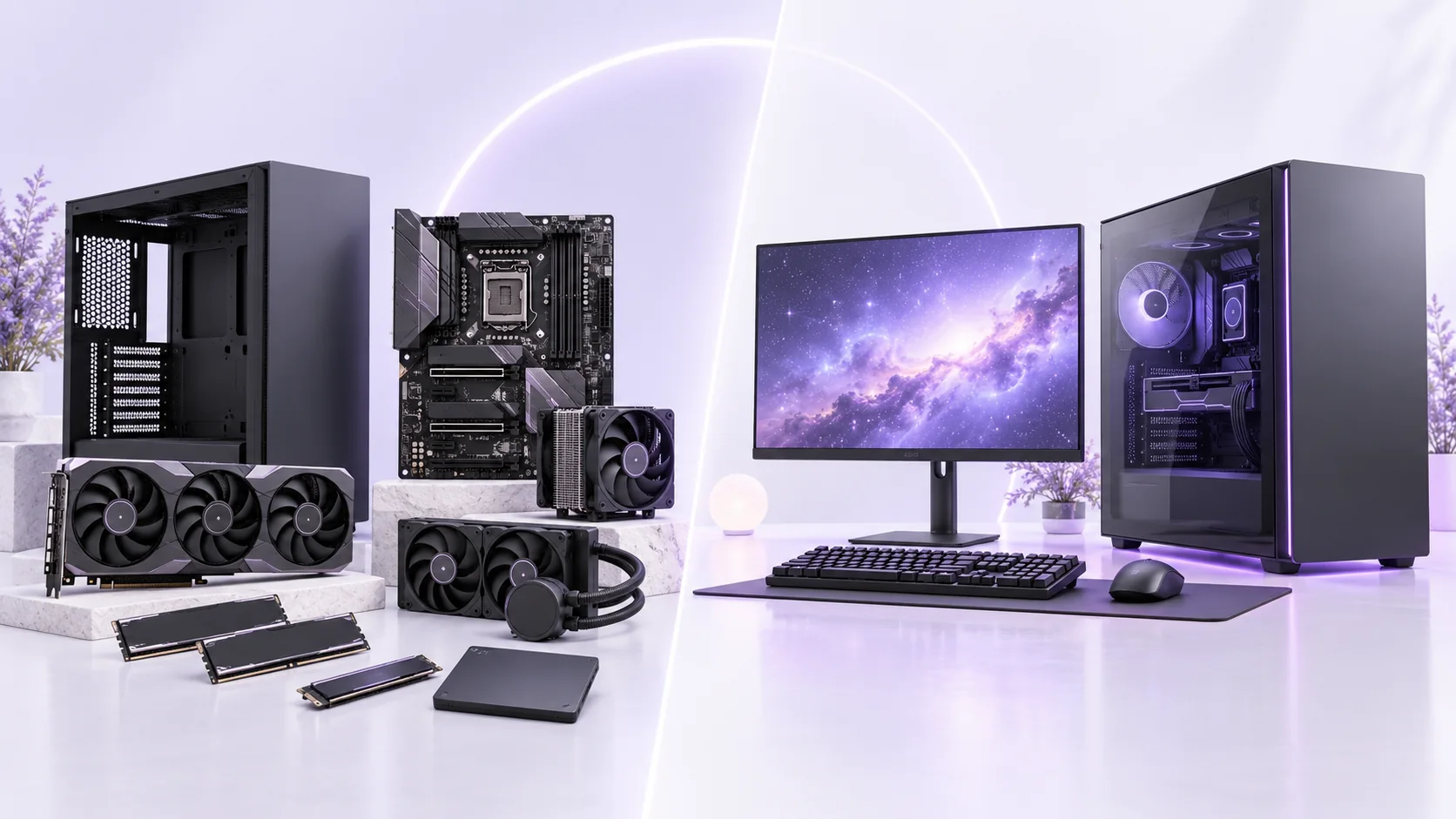
Gaming PC Build vs Prebuilt: quick buying checks
| What to know | Quick answer: A custom-built gaming desktop can give you control over every component and a clear upgrade path, while a well-specified prebuilt can save assembly time and give you one point of support. Neither route wins automatically on price, speed or reliability. Choose the monitor and games first, then compare complete configurations, delivered cost, service terms and the time you are willing to spend building or troubleshooting. |
|---|---|
| In practice | A gaming PC can look like an endless stack of product names. When buyers start with a graphics-card badge and a dramatic case photo, they can miss the parts that make the system easy to use: a capable power supply, enough storage, airflow, a suitable monitor and a warranty that actually covers their region. The purpose of this guide is to turn a vague “build or buy?” question into a concrete comparison. It is not a parts list with prices that will be out of date tomorrow, and it is not based on hands-on tests of every machine sold. |
Define the result you want before choosing components
| What to know | List the games you actually play, the resolution and refresh rate of the monitor you will use, and whether you stream, edit or do school or office work on the same PC. A 1080p competitive setup is not the same purchase as a quiet 4K living-room computer. Intel’s prebuilt guidance advises matching the CPU and GPU to the games’ recommended requirements and the monitor target. That is a better starting point than buying the most expensive card you can afford and leaving no budget for the rest. |
|---|---|
| In practice | Write down a total budget that includes tax, delivery, monitor, input devices, an operating-system license if needed, and a realistic amount for any missing tools or service. US prices may exclude sales tax until checkout; other markets have different displayed totals and warranty conditions. A part-by-part basket that omits those costs is not comparable to a ready-to-use prebuilt quote. Conversely, a prebuilt that includes a keyboard you do not need should not be credited with more value than it has for you. |
What building yourself gives you
| What to know | The clearest benefit of building is choice. You can select the case dimensions, cooling arrangement, motherboard features, power supply, storage and graphics card around your use. Intel’s assembly guide covers the major pieces: CPU, GPU, motherboard, memory, storage, case, power supply and cooling. Building also teaches you how the machine fits together, which may make later cleaning and upgrades less intimidating. If you already have usable components, you may be able to reuse some of them after checking compatibility and condition. |
|---|---|
| In practice | That control has a cost in time and responsibility. You must check that the CPU fits the motherboard socket and firmware support, that memory is compatible, that the graphics card fits the case and that the power supply has the correct capacity and connectors. Installing parts carefully, routing cables and troubleshooting a system that does not boot are real tasks. Individual component warranties can be useful, but you may need to identify the failed part yourself and contact its manufacturer. If you do not enjoy the process, account for that time honestly rather than treating it as free. |
What a good prebuilt gives you
| What to know | A prebuilt should arrive assembled, tested to the seller’s process and supported under a stated warranty. A single vendor can help diagnose problems that cross component boundaries. That convenience matters if the PC is needed for work, school or a gift by a specific date. But “prebuilt” is a sales route, not a quality guarantee. Ask for the exact motherboard, power supply, memory configuration, graphics card, storage and cooling details, not only CPU and GPU names. A listing that omits important parts deserves questions before payment. |
|---|---|
| In practice | Check whether the case uses standard-size parts, whether storage or memory can be added, and whether the vendor’s service terms restrict opening the machine. Some systems are easy to upgrade; others use tightly integrated designs. Read the actual warranty and local repair process. If the seller cannot identify the power supply or motherboard, compare a different configuration rather than assuming a generic part is fine. A flashy image may show decorative lighting while leaving airflow and acoustics unexplained. |
Balance GPU, CPU and monitor
| What to know | The GPU handles much of the work in graphics-heavy games, while the CPU matters to game logic, frame preparation and other applications. Their balance changes with resolution and settings. At a higher resolution, graphics demand generally rises; at very high frame-rate targets, CPU behavior can become more visible. A single universal CPU/GPU pairing table cannot cover every game. Look for independent benchmarks at the resolution and settings you expect to use, and record whether upscaling or frame generation was enabled. |
|---|---|
| In practice | The monitor is part of the system. A 240 Hz display cannot force a game to run at 240 frames per second, and a very high-end PC can be underused by a monitor that does not show the detail or motion you value. Intel’s display guide explains frame rate and refresh rate as separate quantities. If you already own a screen, note its inputs, resolution, refresh rate and variable-refresh support. If buying one, keep it in the same budget comparison as the desktop. |
Compare gaming monitor on Amazon ↗Affiliate link · As an Amazon Associate I earn from qualifying purchases. Search results can include other models. Check the model, condition, seller, current price, compatibility and delivery to your country.
Power, cooling and physical fit
| What to know | Before placing an order, compare the graphics card maker’s power and connector guidance with the exact supply in the build. Allow for the full system, not only the GPU’s rating. Check the cable route and use the proper connectors as the manufacturer instructs. Do not rely on an unspecified adapter or a photograph from a different model. A larger power supply number by itself does not prove quality; look for the exact product and its documentation. |
|---|---|
| In practice | Physical fit is just as important. Check case clearance for the graphics card, cooler and radiator; airflow openings; fan positions; and desk space. A compact case may be attractive but harder to work in. A large tower may be quiet and upgradeable yet awkward in a small room. Intel’s build guide recommends planning the chassis and component layout before assembly. If buying prebuilt, ask about noise under your type of load, not only the number of fans. A cool-looking system that is distracting during evening play will not feel like a good deal. |
Memory, storage and Windows requirements
| What to know | Choose enough memory for your games and the applications you run alongside them. Microsoft lists 4 GB as the Windows 11 minimum, but that installation floor says little about a comfortable gaming configuration. Check game and creator-app requirements and the motherboard’s supported memory layout. Storage capacity should allow room for current games, updates and personal files. Ask how many M.2 or other drive slots remain, and whether adding a drive affects an existing connection or warranty procedure. |
|---|---|
| In practice | Windows 11 also has CPU compatibility, TPM 2.0 and Secure Boot-capable UEFI requirements. Verify support with the motherboard or prebuilt seller before assuming any combination qualifies. This is especially relevant if reusing an older CPU or board. Do not buy components on the promise that security requirements can be bypassed; plan a supported system. Keep installers and recovery information from official sources, and back up existing files before replacing an old PC. |
A fair build-versus-buy quote
| What to know |
|
|---|---|
| In practice | If the build is less expensive only before counting a licensed OS, delivery or your missing monitor, revise the comparison. If the prebuilt is more expensive, ask whether its assembly and support are worth the difference for you. Both choices can be sensible. The value is in the complete outcome, not in winning an argument about which route “real gamers” take. |
Desktop or gaming laptop?
| What to know | A desktop is easier to customize and often gives you more room for cooling and component replacement. A laptop bundles screen, keyboard and battery into a portable machine. If you need to move between places every week, portability can outweigh the desktop’s flexibility. If the computer will live on one desk, compare a desktop plus a suitable monitor against a gaming laptop plus any dock and external screen you would buy. The names on laptop and desktop GPUs are not a promise of identical power or performance. Our gaming laptop GPU power guide explains why exact laptop implementations matter. |
|---|
Questions before you buy
| Question | Useful answer |
|---|---|
| Is building a gaming PC always cheaper than prebuilt? | Compare equal parts and the complete delivered setup, including operating system, tools, assembly time and support. Discounts can change the result. A list containing only CPU and GPU prices is not a fair comparison with a working computer. |
| What should a prebuilt listing disclose? | Look for exact CPU, GPU, RAM arrangement, SSD, motherboard, PSU and cooling. Ask about case fit and future upgrades. An attractive graphics-card name can sit beside parts that do not fit your storage, noise or service needs. |
| Which part should get most of my budget? | Start with the games, resolution and frame-rate target you care about. Then balance graphics, CPU, memory and display around that goal. Do not copy a premium build whose main use is different from yours. |
| What is a fair first-week PC test? | Update through official channels, run the applications you bought it for and check temperatures, noise, storage and connections. Keep the settings recorded. Use the seller’s support route promptly if performance or included parts differ from the order. |
Read next
| Choose a PC power supply → | Match power, connectors and case space to your parts. |
|---|---|
| Plan your PC airflow → | Check fan placement and cooling before adding parts. |
| Back up your Windows files → | Plan a separate backup for important files. |
Sources and editorial method
| What to know | Checked 14 October 2026: Intel’s gaming PC build guide, Intel’s prebuilt buying guide, Intel’s monitor guide, and Microsoft’s Windows 11 requirements. The decision framework is original NextAIGen Editorial work and does not claim hands-on testing of named PCs. Confirm current component compatibility and local terms before purchase. |
|---|
Compare mechanical gaming keyboard on Amazon ↗Affiliate link · As an Amazon Associate I earn from qualifying purchases. Search results can include other models. Check the model, condition, seller, current price, compatibility and delivery to your country.