Key facts at a glance
Compare USB-C power banks for setup and travel ↗Affiliate link · As an Amazon Associate I earn from qualifying purchases. Search results can include other models. Check the model, condition, seller, current price, compatibility and delivery to your country.
| Carrier support | Confirm the transfer path for both exact devices. |
|---|---|
| Before switching | Keep the old phone, account login and recovery method ready. |
| After switching | Test calls, data and messages before erasing the old phone. |
| Before moving the number | Keep the old phone active until calls, mobile data and messages work on the new phone. Carrier support decides which transfer method is available. |
| Android transfer requirements | Google’s supported transfer flow needs Android 12 or later, current Google Play services and a screen lock. Device and carrier eligibility still apply. |
What should you do before transferring an eSIM?
| The short answer | Keep the old phone working until the new one can make calls and use mobile data. Check the carrier's supported transfer method and have an alternative connection ready. Do not erase the old device just because the new phone has finished copying photos and apps. |
|---|
Explore current Pixel 11 listings if replacing your phone ↗Affiliate link · As an Amazon Associate I earn from qualifying purchases. Search results can include other models. Check the model, condition, seller, current price, compatibility and delivery to your country.
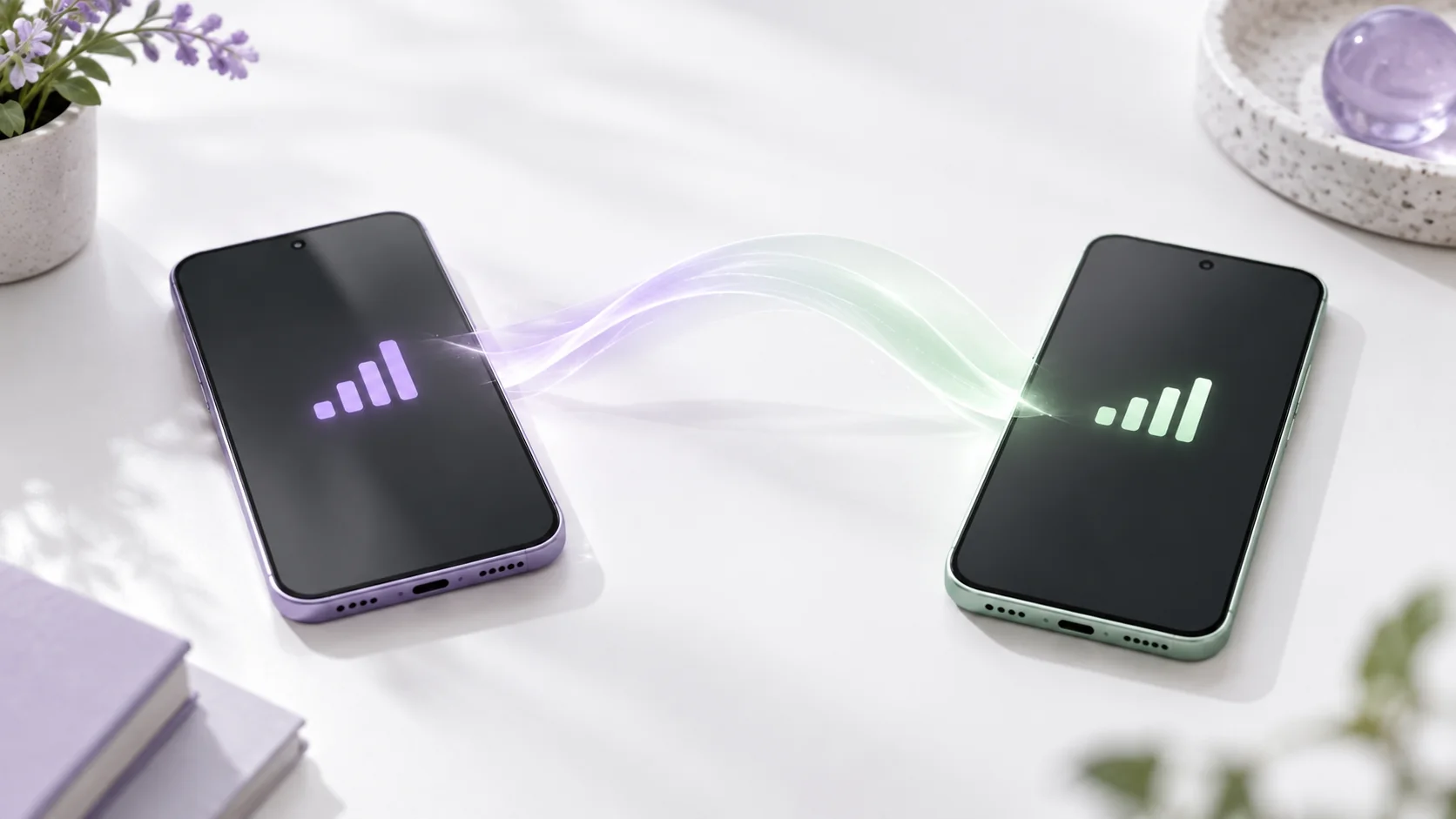
eSIM Transfer to a New iPhone or Pixel: quick buying checks
eSIM transfer: keep service working while you change phones
| Prepare the old phone | Keep the old phone charged, connected and signed in until calls and mobile data work on the new one. Keep another way to recover your account. |
|---|---|
| iPhone to Pixel or Pixel to iPhone? | Ask your carrier which transfer steps work for both exact phones. iPhone-to-iPhone steps may not work when moving between iPhone and Pixel. |
| What should I test after activation? | Make and receive a call, send a message and open a page with Wi-Fi off. Check important verification messages before erasing the old phone. |
| What if the number does not move? | Keep the old phone and ask the carrier to recover or reissue the eSIM. Do not keep deleting profiles. A transfer problem does not mean you need another phone. |
| What to know | Quick answer: Before replacing a phone, verify that your carrier supports the eSIM transfer path for your exact old and new devices. Keep the old phone powered on and connected until calls, texts and mobile data work on the new one. Back up personal data separately; moving an eSIM does not automatically move photos, app accounts or authenticator access. If the on-device transfer option is missing, contact the carrier instead of repeatedly deleting profiles. |
|---|---|
| In practice | An eSIM switch can turn an exciting upgrade into an anxious afternoon because the old phone may be the only place receiving verification messages. The safest move is to plan the handoff before wiping or trading in anything. Network activation, data migration and account sign-in are three different jobs. They may appear in one setup flow, but completing one does not prove the others are finished. Give yourself a period when you can reach Wi-Fi, the carrier account and both devices. |
Check carrier and device support first
| What to know | Apple and Google both describe phone-to-phone eSIM transfer, but eligibility depends on the carrier, country, models and software versions. Google says a compatible transfer may happen during Pixel setup or later in Settings. Apple notes that moving from Android to iPhone can require carrier activation or a QR code when direct transfer is unsupported. Do not infer support because a blog screenshot shows a button on someone else’s handset. Check your provider’s current instructions and the exact device purchase route, especially if one phone came from a carrier and the other is unlocked or imported. |
|---|---|
| In practice | Also confirm that the new device supports the network bands, eSIM profile and local warranty arrangement you need. A seller’s claim that a phone is “unlocked” does not settle every carrier activation question. For a work line, ask whether an administrator controls the account or requires approval to move it. For a family plan, the account owner may need to authenticate the change. This preparation matters more than the speed of tapping through a setup screen. |
Before you start: keep a fallback path
| What to know | Charge both phones, update supported software, and connect to dependable Wi-Fi. Make sure you can sign in to the carrier account without relying solely on a code sent to the number you are moving. Check that your important photos, contacts and documents are backed up or synced as intended, and know how to reach your authenticator, banking and work apps after a device change. An eSIM transfer is about cellular service; it is not a complete backup strategy. |
|---|---|
| In practice | Write down the carrier support route and any account PIN or verification method you already use. Do not post a QR activation code or account PIN in a chat or public support forum. If a QR code is issued, use it only in the carrier’s authorized setup flow. Keep the old phone accessible until the new one places a call, receives an SMS and uses mobile data with Wi-Fi turned off. These checks reveal different failure modes. |
Moving to a new Pixel
| What to know | Google says automatic transfer between supported Android devices requires Android 12 or later, current Google Play Services and a screen lock on both devices. During setup, the Pixel may offer a SIM transfer and activation path. If you skipped setup or the option appears later, Google documents Settings, Network & internet, SIMs, Add SIM and a transfer choice. The exact labels can vary as Android and carrier software change. If the transfer does not appear, do not treat that as proof the phone is defective; some carriers provision the eSIM themselves or require a different route. |
|---|---|
| In practice | Moving from an iPhone to Pixel has additional carrier-specific conditions. Google lists supported operators and notes that the experience can vary by where you bought the device. Do not promise that every operator in the US, UK, Canada or Australia offers the same direct flow. The safest article advice is to check the carrier’s own page on the day of transfer. If direct transfer is unavailable, let the carrier activate a new profile rather than forcing an unsupported sequence. |
Explore current iPhone 17 listings if replacing your phone ↗Affiliate link · As an Amazon Associate I earn from qualifying purchases. Search results can include other models. Check the model, condition, seller, current price, compatibility and delivery to your country.
Moving to a new iPhone
| What to know | Apple’s Quick Start can help move data between iPhones, and eligible carrier arrangements can support eSIM transfer as part of setup. If moving from Android, Apple says some carriers and select devices support direct transfer with current software, while others use carrier activation or a QR code. The exact carrier list changes; check Apple’s current support page and the carrier’s own instructions. A phone may also need to be unlocked or meet a plan condition before it can activate on a different network. |
|---|---|
| In practice | Keep the old phone on until the new iPhone has service. If calls work but texts do not, wait for any carrier activation process to finish, then use the carrier’s troubleshooting steps. Do not erase the old device immediately after one successful call. Check a normal contact, a service that sends verification messages and mobile data away from Wi-Fi. When all three work and your files and accounts are present, then follow the trade-in or reset instructions. |
If the transfer stalls
| What to know | First identify which part failed. Is there no eSIM transfer option? Does the carrier reject activation? Does the new phone show signal but mobile data not work? Are calls working while texts are delayed? Each problem points to a different support route. Restarting a setup flow repeatedly without recording the error can make it harder for the carrier to help. Note the on-screen message, device model, software version and approximate time, then follow the provider’s documented steps. |
|---|---|
| In practice | Google says the old device or eSIM may continue working when a transfer fails. That is useful, but do not assume it will always remain active after a partial activation. Test both phones carefully. If the line is essential for work, travel or two-factor authentication, arrange the move when carrier support is open and you have another way to contact them. A physical SIM fallback is possible only if the new model and carrier support one; do not assume every current phone has a tray. |
International travel and dual-line planning
| What to know | Moving your main number shortly before an international flight adds roaming, travel-eSIM and account verification problems to the same day. Activate the new main line well before departure if possible. Then check whether your device supports keeping the primary line active alongside a travel eSIM and how it chooses data and calls. The phone’s dual-SIM capability does not guarantee a specific carrier plan permits every combination. Verify roaming charges and emergency-call behavior from official local sources. |
|---|---|
| In practice | For an imported phone, ask the local provider about activation before you pay. A marketplace listing can show that a device is sold by a third party; it does not prove official local support for eSIM or warranty. The relevant comparison is your exact model identifier and carrier policy. Our phone comparison can help shortlist a replacement, but cellular activation deserves its own check. |
A safe handoff checklist
| What to know |
|
|---|
Questions before you buy
| Question | Useful answer |
|---|---|
| How do I transfer an eSIM without losing my number? | Check the carrier’s supported transfer route for both devices, keep the old phone active and connect the new device as instructed. Test calls, texts and data on the new phone before erasing the old one. |
| Can I move an eSIM from Android to iPhone automatically? | Eligibility depends on the devices, software and carrier. Do not assume the iPhone-to-iPhone screen will appear for an Android transfer. Use the supported carrier activation, QR or app route when direct transfer is not offered. |
| What should I do if the eSIM transfer stalls? | Keep the existing device and recovery access available. Check whether the carrier must reissue activation before deleting anything. Use the carrier’s official support channel, and never share account passwords or activation codes in a public comment. |
| Will moving an eSIM transfer my apps and photos? | Moving the cellular plan and moving personal data are separate jobs. Complete and verify the phone’s data transfer or restore as well. Test authenticator access and important account logins before resetting the device you are replacing. |
Read next: make the next choice easier
| How Much iPhone Storage Do You Need? → | Choose storage for your photos, apps and videos. |
|---|---|
| iPhone Battery Health → | Understand charging limits and battery health. |
| iPhone 18 Pro Price, Specs and Buying Guide (2026) → | Compare another iPhone before deciding. |
Compare USB-C charging cables on Amazon.com ↗Affiliate link · As an Amazon Associate I earn from qualifying purchases. Search results can include other models. Check the model, condition, seller, current price, compatibility and delivery to your country.
Sources and editorial method
| What to know | Checked 14 October 2026: Google’s Pixel SIM transfer guidance, Apple’s Android-to-iPhone eSIM transfer guidance, and Apple’s Quick Start instructions. This guide is a preparation checklist, not a claim that any specific carrier will activate a particular imported device. Verify the current operator procedure before changing your line. |
|---|