Key facts at a glance
Compare OLED laptop on Amazon ↗Affiliate link · As an Amazon Associate I earn from qualifying purchases. Search results can include other models. Check the model, condition, seller, current price, compatibility and delivery to your country.
| Room light | Check reflections, readable brightness and text at your normal desk. A panel that looks vivid in a dark room can be distracting beside a window. |
|---|---|
| Image work | Check the exact panel’s color coverage, calibration and app settings. OLED or IPS is a screen type, not a complete color-accuracy result. |
| Ownership | Read the screen warranty and any burn-in conditions. Try your normal static work layout and choose the panel whose trade-offs fit that use. |
OLED or IPS laptop screen for your work?
| The short answer | Compare the screen where you will use it: a bright room, a dark desk or on the move. Check reflections, text comfort and the manufacturer's screen-care guidance. Choose from the exact panel options rather than assuming every OLED or IPS laptop behaves alike. |
|---|
Compare IPS laptop on Amazon ↗Affiliate link · As an Amazon Associate I earn from qualifying purchases. Search results can include other models. Check the model, condition, seller, current price, compatibility and delivery to your country.
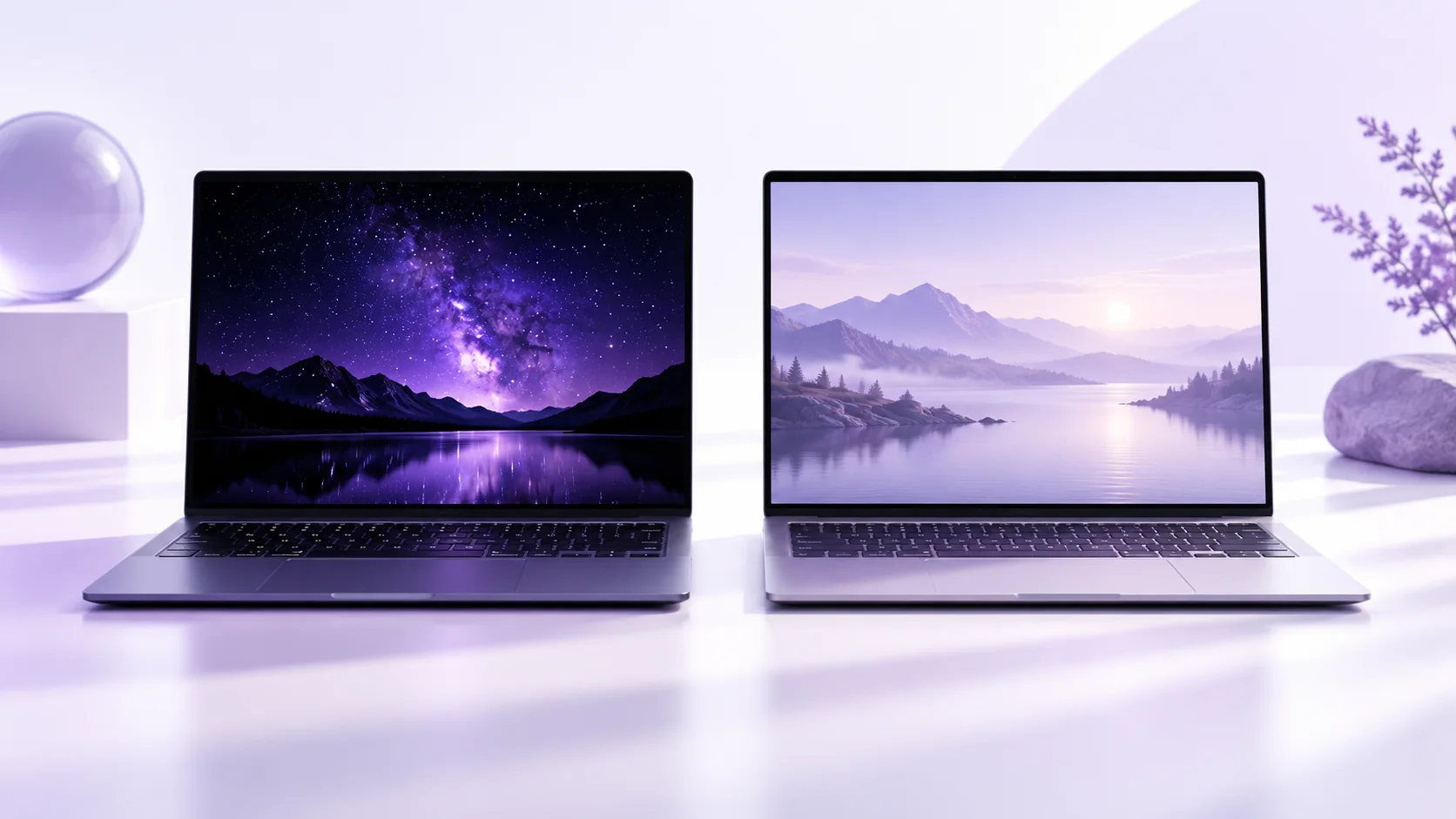
OLED vs IPS Laptop Display: quick buying checks
| What to know | Quick answer: Choose a laptop display for the room and work you actually use. OLED can give deep blacks and strong image contrast, while a good IPS LCD may offer an anti-glare finish and a practical price for long days of documents. Neither panel label tells you enough about brightness, coating, color accuracy, refresh rate, power use or warranty. Compare the exact display option in the exact laptop configuration before you buy. |
|---|---|
| In practice | Display marketing can make two laptops look easy to rank: one says OLED and the other says IPS. That is a useful starting clue, but it is not a verdict. A glossy OLED panel on a bright train, a dim IPS screen in a studio, and a high-quality matte IPS screen at a desk solve different problems. The same laptop family may be sold with multiple panels in different countries. A thoughtful choice starts with your lighting, the content you create, your tolerance for reflections and the number of hours you stare at static windows. |
What the two panel labels actually describe
| What to know | OLED pixels emit their own light, so a black pixel can be dark rather than relying on a backlight behind the image. This supports excellent perceived contrast in dark scenes. IPS is a form of LCD panel that uses a backlight; the implementation can still be very good for viewing angles and everyday clarity. These are broad technologies, not complete specification sheets. Color gamut, calibration, surface coating and brightness are separate choices. A manufacturer’s “OLED” badge does not prove that a machine is better for outdoor reading, and “IPS” does not mean poor color. |
|---|---|
| In practice | Lenovo’s published ThinkPad X1 Carbon Gen 14 material illustrates the need to compare options within one family: it lists a WUXGA IPS anti-glare panel and a 2.8K OLED option with different stated characteristics. You should verify the exact SKU in your market because bundles change. The panel choice can affect resolution, refresh rate, touch support and battery behavior as well as image appearance. Read the full regional specification, not just the technology word in a product-card headline. |
Start with your room, light and reflections
| What to know | If you work by a bright window, under overhead lighting or while traveling, screen reflections can matter as much as a contrast ratio. Check whether the exact panel is glossy, matte, anti-glare or treated with another coating. Published brightness numbers deserve context: some brands quote typical full-screen brightness, others emphasize a short peak for HDR highlights. A larger peak number does not automatically mean better readability in sunlight. Where possible, view the laptop in a lighting condition similar to your own and look at a white document as well as dark video. |
|---|---|
| In practice | For a primarily indoor evening workflow, the deep blacks of an OLED can be appealing for films, photography and dark interfaces. For a daytime spreadsheet workflow, surface treatment, stable readability and battery endurance may matter more. Your eyes and environment are the final test. Do not assume that every person finds one technology more comfortable: brightness, flicker behavior, text scaling and room light all contribute. Adjust the screen to a comfortable level and take breaks regardless of panel type. |
Photo editing and color work
| What to know | A wide color-gamut claim is useful only if it matches your delivery target and the laptop is calibrated well enough for the job. Check the manufacturer’s stated gamut, factory calibration information and available color modes for the precise display. If you deliver mostly to websites, uncontrolled wide-gamut color can make editing decisions harder when software or browser color management is inconsistent. A creator may value OLED contrast for video review, but a well-calibrated IPS panel can be a strong working tool too. The screen technology alone does not certify color accuracy. |
|---|---|
| In practice | Consider the rest of the workflow. A laptop display can be excellent but too small for detailed timelines. An external calibrated monitor may deliver more value than paying for the most expensive built-in panel. Storage, memory and graphics resources still influence how smoothly your editing software runs. Our 16 GB versus 32 GB RAM guide addresses one of those configuration decisions; our Windows laptop comparison helps match a complete configuration to work. |
Gaming: refresh rate is only part of the story
| What to know | A fast refresh rate can make motion appear smoother when the graphics hardware supplies enough frames. Intel’s monitor guide explains that a high-refresh display gives less benefit when the CPU and GPU cannot render frames at a matching rate at your chosen resolution and settings. The same principle applies to a laptop screen. Compare the game’s actual frame-rate target, resolution and graphics settings. A 120 Hz screen with a balanced GPU may be a better purchase than a 240 Hz badge paired with a configuration that cannot use it in your games. |
|---|---|
| In practice | Response time, motion handling, variable-refresh support and input lag are distinct from the refresh-rate number. Intel cautions that quoted gray-to-gray response times can represent a best-case test and that aggressive overdrive can introduce visible artifacts. If motion performance is important, consult independent measurements for the exact panel in the exact laptop, not merely the panel technology. Also check whether the advertised refresh rate depends on power mode or graphics routing. A store card often compresses these details into a single number. |
Compare external OLED monitor on Amazon ↗Affiliate link · As an Amazon Associate I earn from qualifying purchases. Search results can include other models. Check the model, condition, seller, current price, compatibility and delivery to your country.
OLED care and the warranty question
| What to know | OLED displays can face persistent image retention or burn-in risk when bright static elements remain in place for long periods. ASUS’s notebook support guidance recommends its OLED Care features, and its regional material describes measures such as pixel shifting. These measures manage risk; they are not a promise that no panel can ever be affected. Your own usage matters: static toolbars for many hours, high brightness and a permanently visible taskbar make care settings more relevant than occasional film watching. Leave the manufacturer’s protection features enabled and follow the current model instructions. |
|---|---|
| In practice | Warranty language is model- and country-specific. A policy quoted for one ASUS monitor should not be transferred to a different laptop or market. Read the terms for your exact laptop, the seller’s return period and local repair options before paying a premium. Ask whether a panel defect, image retention or burn-in is covered and under what conditions. Save a copy of the applicable terms with your invoice. IPS LCD panels have their own possible defects too, so an extended warranty should be evaluated on its actual coverage rather than a generic “OLED is risky” slogan. |
Battery life and real use
| What to know | Panel power consumption can change with brightness and displayed content, especially when comparing a mostly white document with dark video. But laptop battery runtime also depends on processor, graphics, battery size, refresh setting and background activity. Avoid treating a panel type as a reliable battery-life prediction. Compare manufacturer test conditions and, ideally, independent tests of the exact screen option. If you already own the laptop, our battery report guide shows how to inspect the battery itself before blaming a display choice for short runtime. |
|---|---|
| In practice | For a new purchase, ask whether changing from IPS to OLED also changes resolution or refresh rate. If it does, two battery figures may be difficult to attribute to panel technology alone. A display option may come only with a different processor or battery. Compare complete configurations, not isolated marketing features. This is particularly important when a regional store has only one of several globally advertised combinations. |
A five-minute in-store test
| What to know |
|
|---|---|
| In practice | If a shop cannot show the exact configuration, request a return policy that gives you enough time to check it at home. A website photo cannot tell you how a glossy surface will behave under your office lights. Take your own sample documents or images if that will make the comparison clearer. Do not judge color accuracy from a bright showroom demo alone; it may use a saturated display preset. |
Which buyer should choose which?
| What to know | A student who writes for hours in changing light may favor a capable anti-glare IPS configuration and put savings toward memory, battery or service. A photographer who values rich dark-scene review and works in controlled light may prefer a suitable OLED option, provided its gamut and calibration meet the job. A competitive gamer should prioritize the complete GPU, resolution, frame-rate and motion-handling combination. A frequent traveler should test reflections and real battery endurance. Each recommendation is conditional because panel quality and laptop configuration vary. |
|---|---|
| In practice | Price the whole machine in your own country. In the US, check tax at checkout; in the UK, Canada and Australia, compare the displayed local total and warranty terms. Some retailers bundle OLED with extra RAM, a different CPU or a larger SSD. That can make the apparent screen upgrade more or less attractive, but it also prevents a simple one-variable comparison. Record the exact model numbers and the features that actually changed. |
Questions before you buy
| Question | Useful answer |
|---|---|
| Is OLED or IPS better for a laptop in a bright room? | Check reflections and readable brightness at the angle you work from. A panel type alone does not describe its coating or usable visibility. Try a normal document beside a video so a vivid demonstration does not hide text-reading problems. |
| Does a high-refresh OLED automatically make gaming better? | Refresh rate, response behavior, graphics performance and the game’s settings all matter. Match the panel to the frame rates the laptop can deliver. A more expensive display cannot compensate for a configuration that misses your actual game target. |
| Should static work change an OLED buying decision? | Consider the applications you leave open for long periods and read the manufacturer’s care and warranty terms. Use the supplied panel-care options. Compare the actual coverage and your work pattern instead of treating all OLED screens or warranties as identical. |
| What should I inspect before the return window ends? | Check text scaling, glare, brightness, color mode and motion with your own files. Try the laptop on battery as well as mains power. Keep the exact panel specification because different screens may be sold under the same laptop-family name. |
Sources and editorial method
| What to know | Checked 14 October 2026: Intel’s display and gaming-monitor guide; ASUS notebook OLED care support; Lenovo’s OLED explanation; and Lenovo’s X1 Carbon Gen 14 display options. The buyer scenarios and decision checklist are original NextAIGen Editorial analysis, not hands-on panel tests. Check the exact regional product and warranty pages before buying. |
|---|
Compare IPS computer monitor on Amazon ↗Affiliate link · As an Amazon Associate I earn from qualifying purchases. Search results can include other models. Check the model, condition, seller, current price, compatibility and delivery to your country.